A visitor lands on your website at 11 p.m., asks one question and leaves because nobody answers. That is a lead lost without a sound. CSM Bridge's AI website chat assistant fixes exactly that: a chat window that is always on duty in the corner of your site, answers from your own business documents, and uses your brand's colours, name and greeting.
Every screenshot in this article comes from systems running in production: csmbridge.net, h-holding.vn and the AI Agent admin console. You will see what customers see, and how it is configured behind the scenes.
How the AI website chat assistant greets visitors
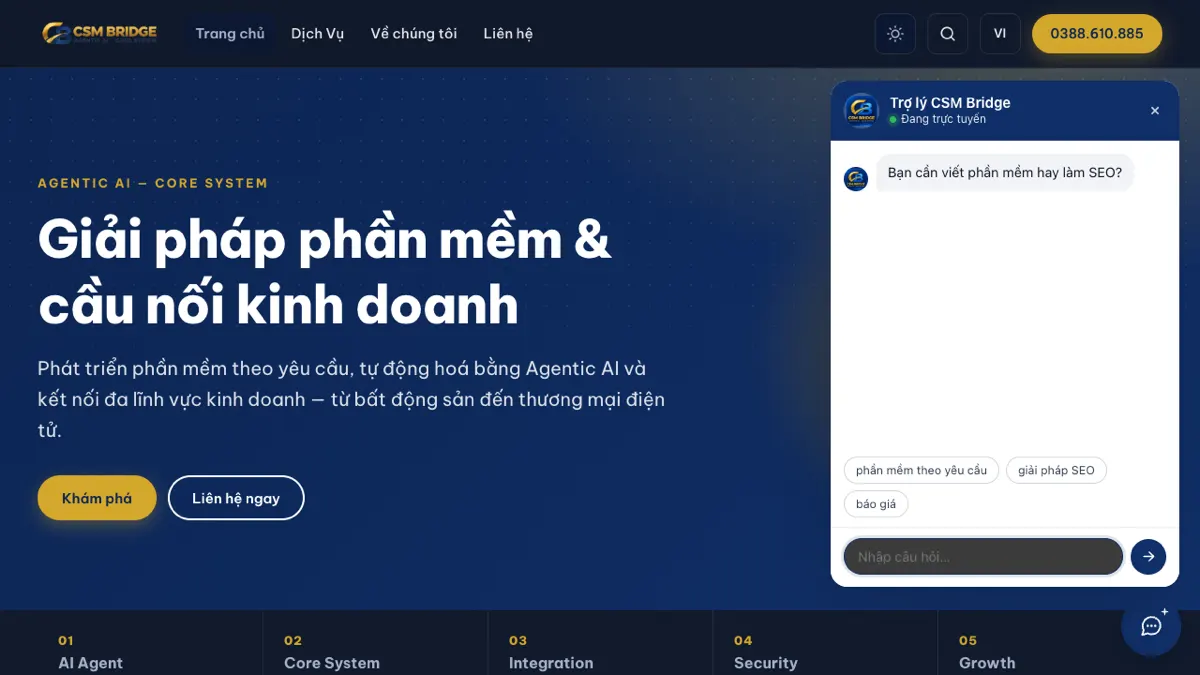
The visitor clicks the chat icon in the bottom-right corner. The window opens with the assistant's name, an "online" status and a short greeting, plus a few suggestion buttons so the visitor can tap instead of typing.
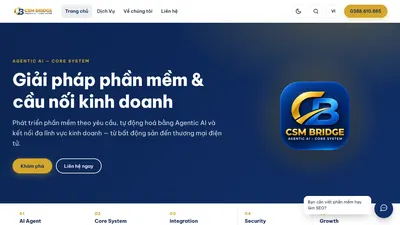
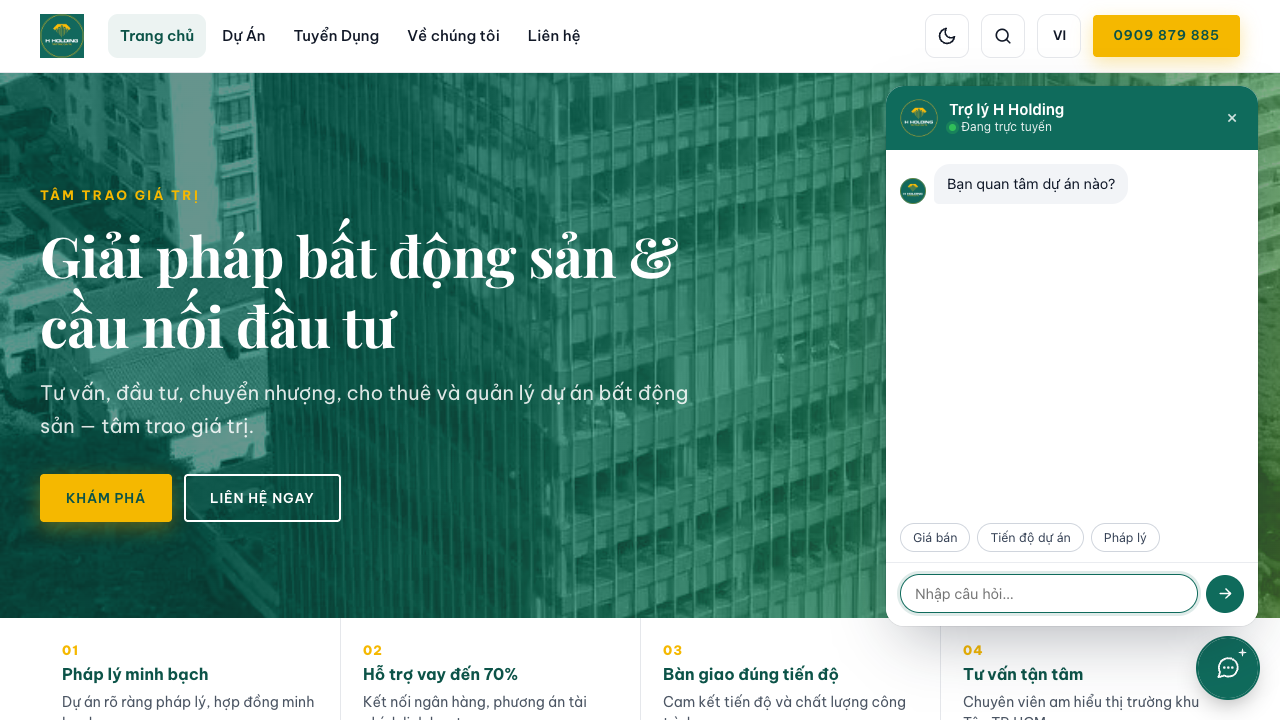
On csmbridge.net the assistant asks "Do you need custom software or SEO?" and suggests three topics: custom software, SEO solutions and a quote. The visitor picks one and gets an answer right in the chat window.
One assistant per brand
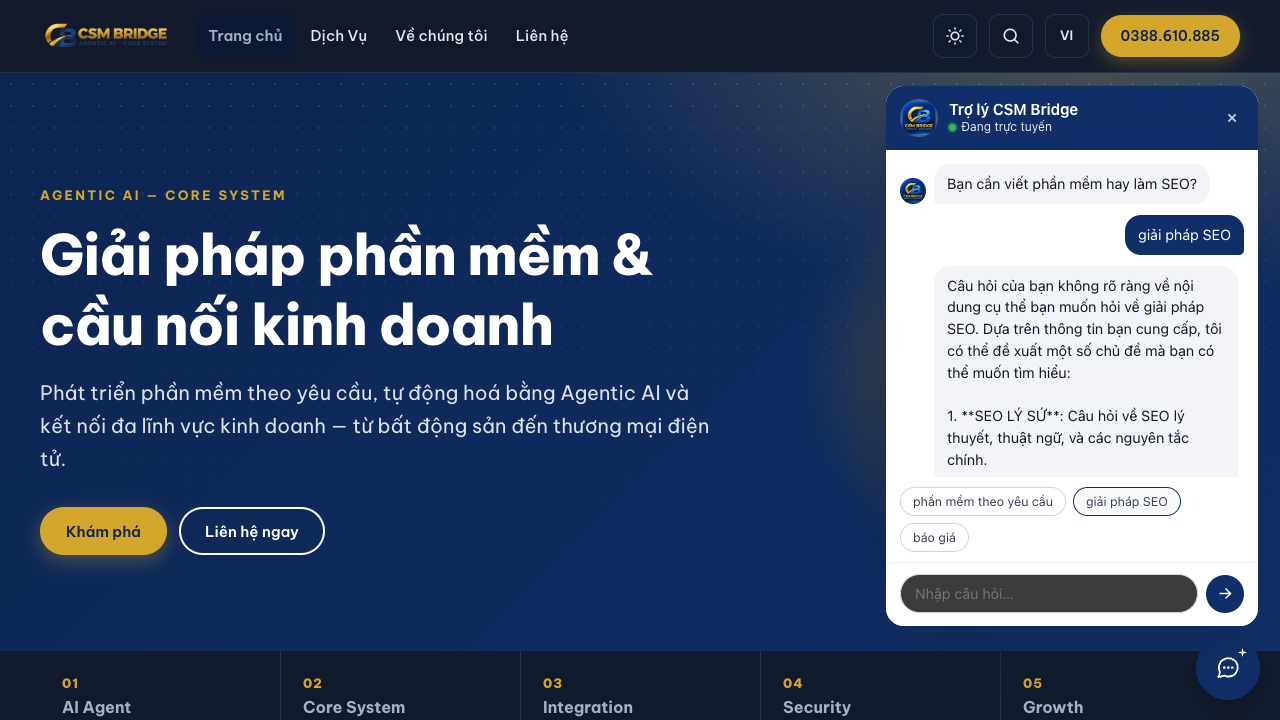
The same core powers a distinct assistant for every website. On h-holding.vn, a real-estate site, it is called "H Holding Assistant", uses the brand's green palette, asks "Which project are you interested in?" and suggests Price, Project progress and Legal status. Each audience only ever sees the brand it is visiting.
Answers grounded in your documents
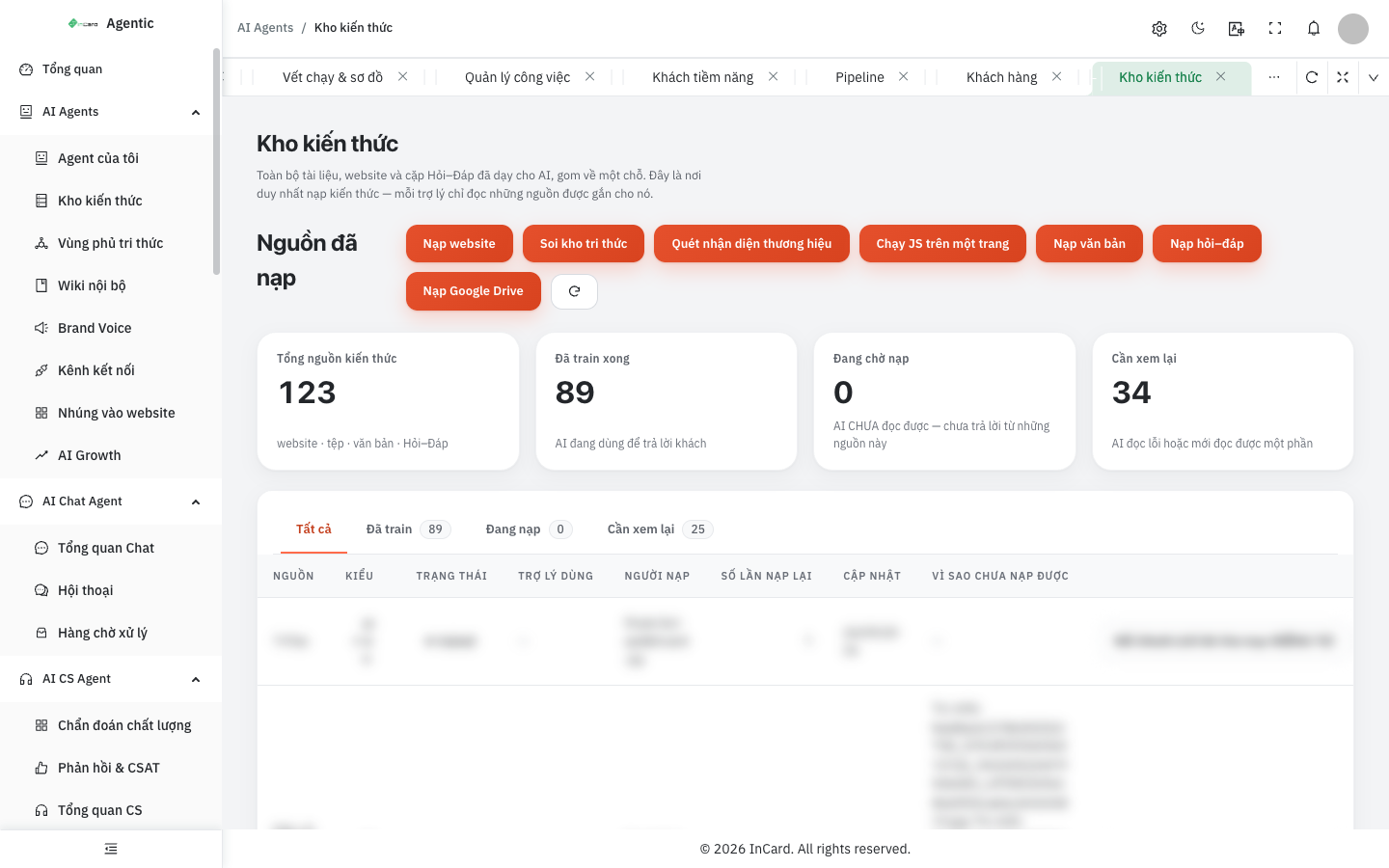
An assistant is only as good as what it is taught. The Knowledge base screen is the single place where knowledge is loaded: a website, plain text, question–answer pairs or a Google Drive folder.
Every source has a clear status — trained, waiting, or needs review — and a "why it failed" column explains any source the AI could not read. You always know which documents the assistant relies on.
Guardrails against made-up answers
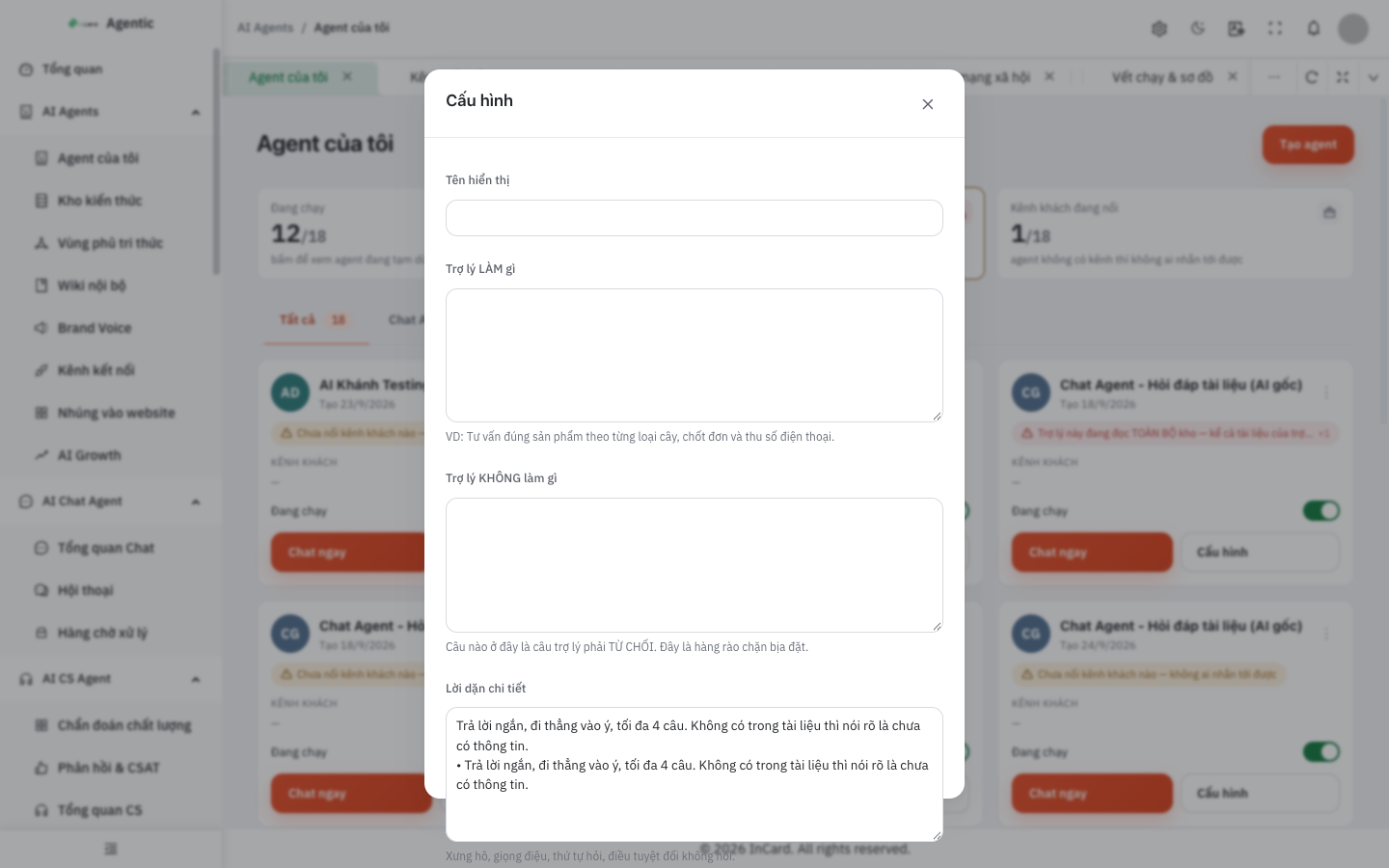
In the configuration screen you declare what the assistant DOES and what it DOES NOT do. Anything in the second box must be declined — a fence against fabricated information. A detailed-instructions box sets tone, forms of address and the order of questions.
A "never forget" keyword box keeps any customer message containing those words in memory for the whole conversation. The system already remembers six sensitive topics out of the box, such as allergies, diets, illness and medication, pregnancy, disability, children and the elderly.
Embed on your website with one snippet
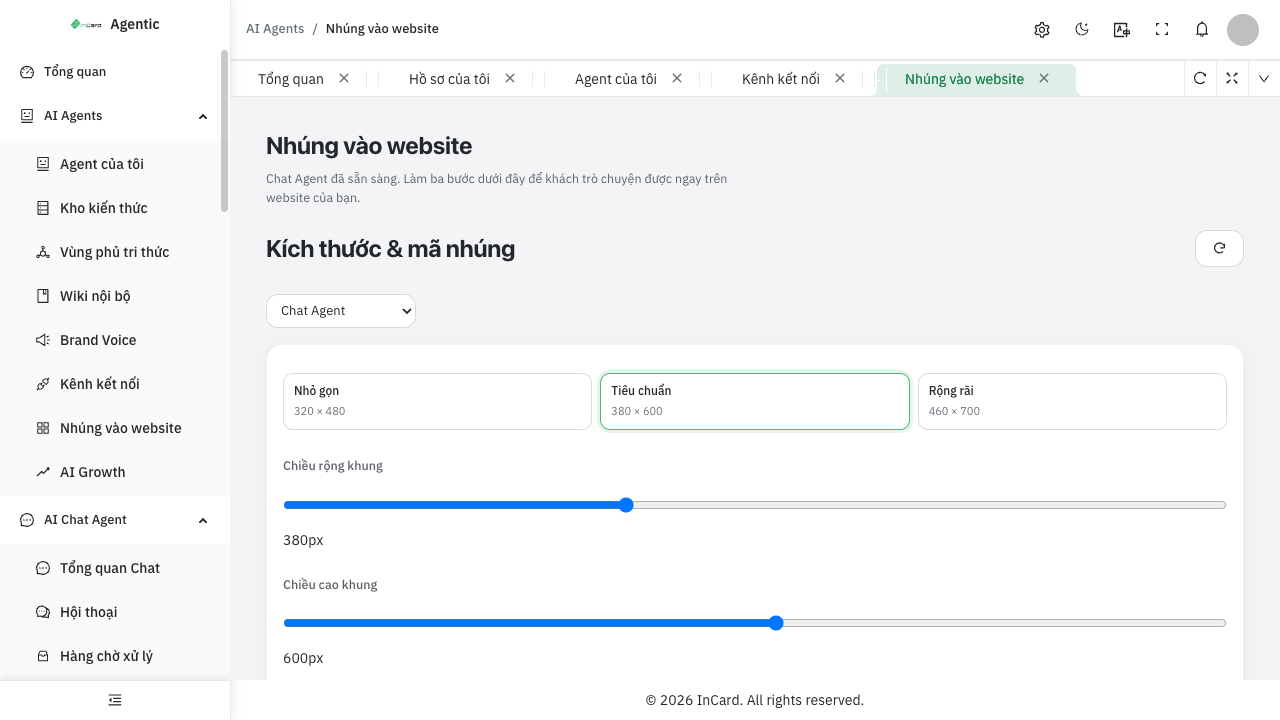
Once the assistant is ready, the Embed on website screen lets you choose a frame size — Compact 320×480, Standard 380×600 or Spacious 460×700 — and fine-tune width and height with sliders.
The system generates a snippet bound to your assistant. Paste it into your site and visitors can start chatting immediately, with no further code changes.
When the assistant hands over to a human
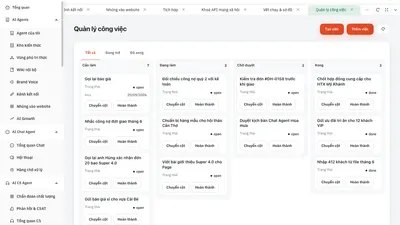
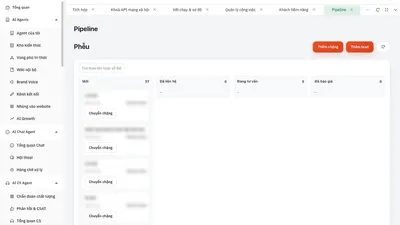
AI should not guess when it is unsure. The console has an "awaiting your approval" list for answers the AI is not confident about, and a handling queue for conversations a staff member should take over. Visitors who leave a phone number appear under "hot leads to call" for the sales team.
Who it is for
- Businesses with a website but no one to answer chat after hours.
- Groups running several brands, each website needing its own assistant.
- Industries with many repeated questions: real estate, services, software, education.
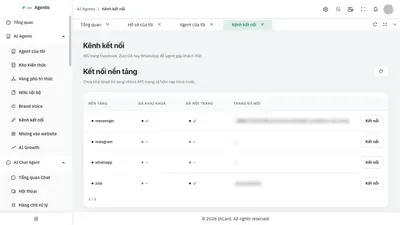
Want the assistant on Messenger or Zalo OA too? Read connecting AI Agents to Messenger, Zalo OA and WhatsApp. Need an SEO-ready site to host it? Read a trilingual SEO-ready website.
Talk to us
Want to see it running on your own business data? Get in touch via the Contact page or ask the chat assistant in the corner of the screen. Explore more in the AI Agent Solutions section.